Best Winter AI Prompts for Girls – Winter photography has a special kind of magic. The soft snow, cold air, and natural light create beautiful scenes that feel peaceful and cinematic. Today, AI tools like Gemini, Midjourney, and other image generators can recreate this winter beauty with stunning detail. If you want to create realistic winter portraits of girls using AI, you need the right prompts.
In this complete guide, I have collected eight of the best winter AI prompts inspired by cinematic styles, natural beauty, and soft snowy environments. All prompts are written in simple language and designed to be easy for anyone to use. They are also optimized for SEO and Google Discover to help your blog rank higher.
IN THIS ARTICLE
Why Winter AI Prompts Are So Popular
Winter-themed portraits are trending across social media platforms and digital artwork communities. The cool tones, soft snowflakes, and cozy clothing styles help create images that feel warm and emotional. People enjoy winter portraits because they look magical, peaceful, and cinematic.
When using AI, a well-written prompt can produce photos that look almost real. This article focuses on prompts that keep the subject’s face identical to a reference image, while placing them in beautiful winter scenes.
How to Use These Prompts
You can use these prompts with Gemini, Midjourney, Stable Diffusion, DALL·E, and other AI image generators. Simply copy the prompt and paste it into your AI model, then upload your reference image if required.
Each prompt is written clearly so both beginners and experienced users can create high-quality winter portraits.
The 8 Best Winter AI Prompts for Girls
Below are the eight complete prompts, written number-wise, simple, and optimized for search engines.
1. Winter Close-Up Portrait Prompt
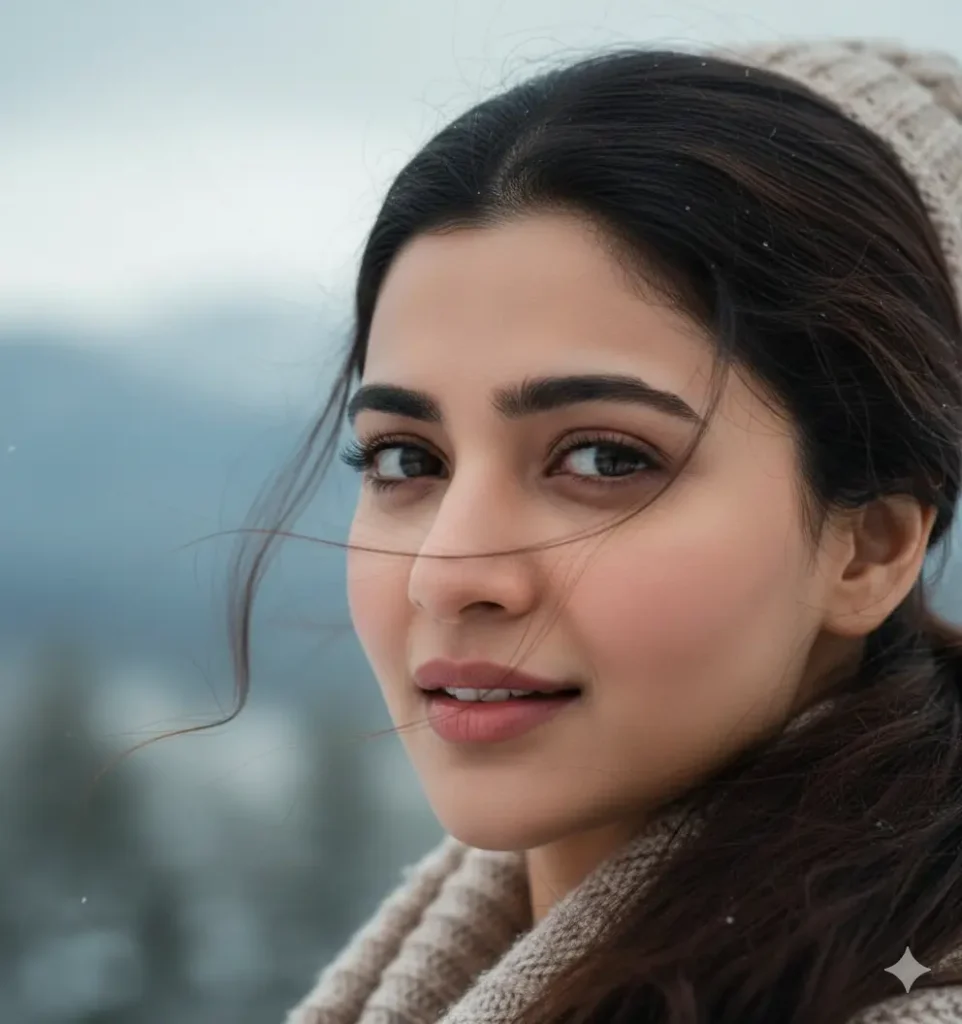
A sharp and ultra-realistic close-up portrait of a woman. Keep the same facial features from the reference image with identical eyes, nose, lips, ears, and face shape. The photo is framed tightly around her face, captured at eye level or slightly above. Her head is turned gently back toward the camera, looking directly at the viewer. Her hair moves softly with the winter wind. The image highlights emotion, detail, and natural winter beauty.
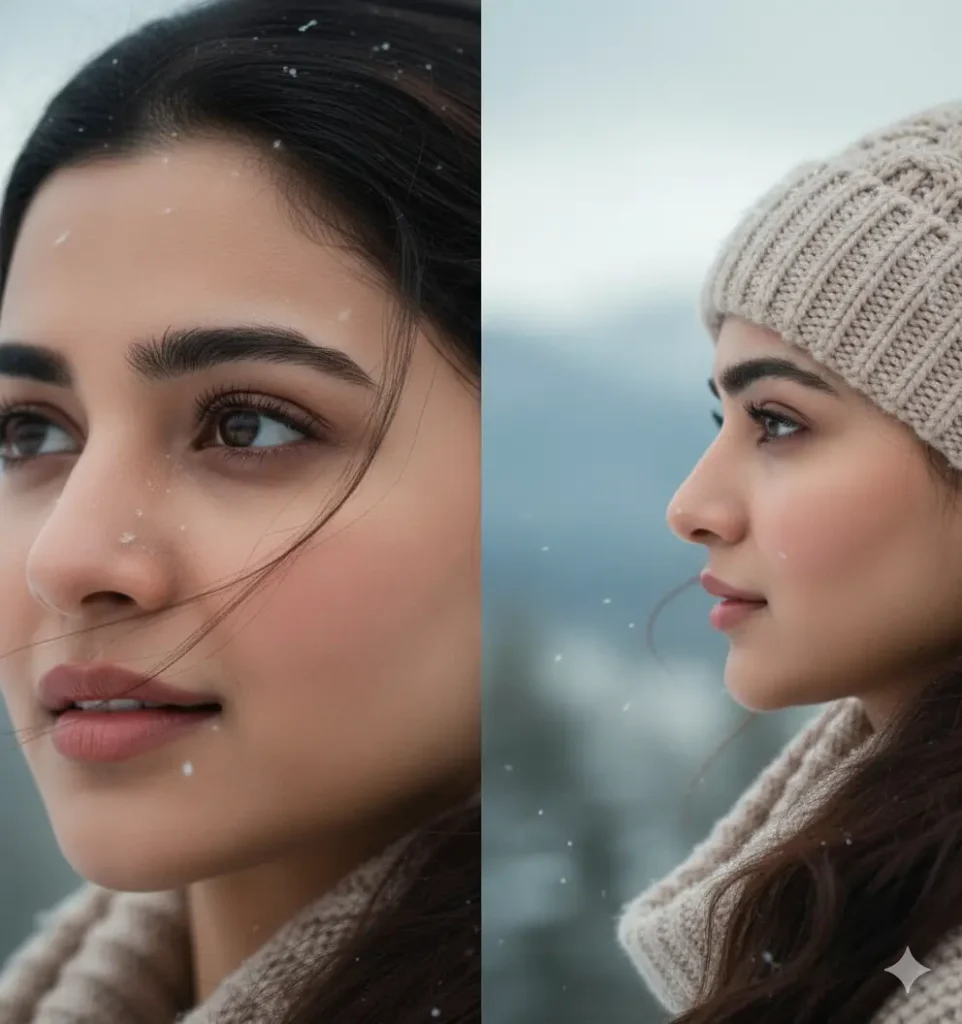
2. Side-Gaze Winter Eyes Portrait Prompt
A realistic close-up of a woman’s upper face, focusing on her eyes as she looks softly to the side. Her makeup is clean and natural with long eyelashes and well-shaped eyebrows. Light snowflakes fall around her and rest gently on her hair and skin. A second frame shows the same woman from a side angle, still looking to the side in a calm winter setting.
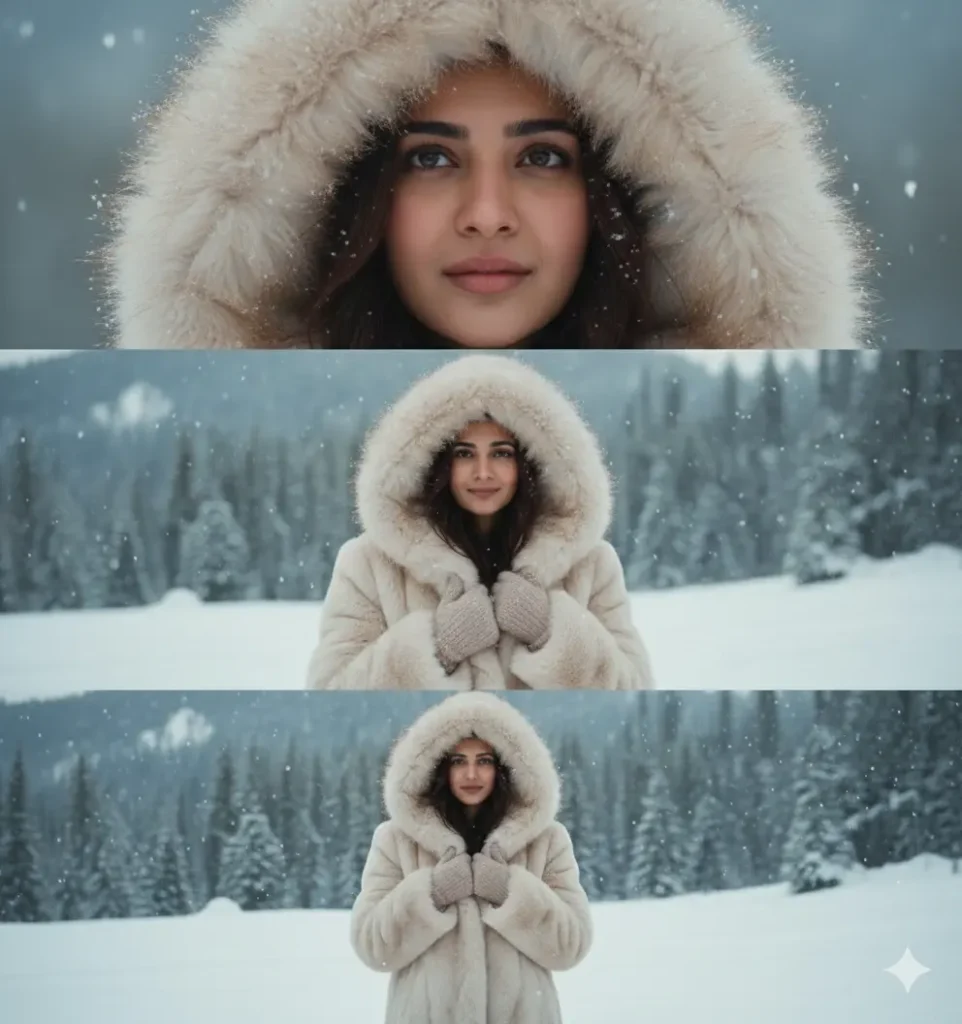
3. Three-Panel Winter Portrait Collage Prompt
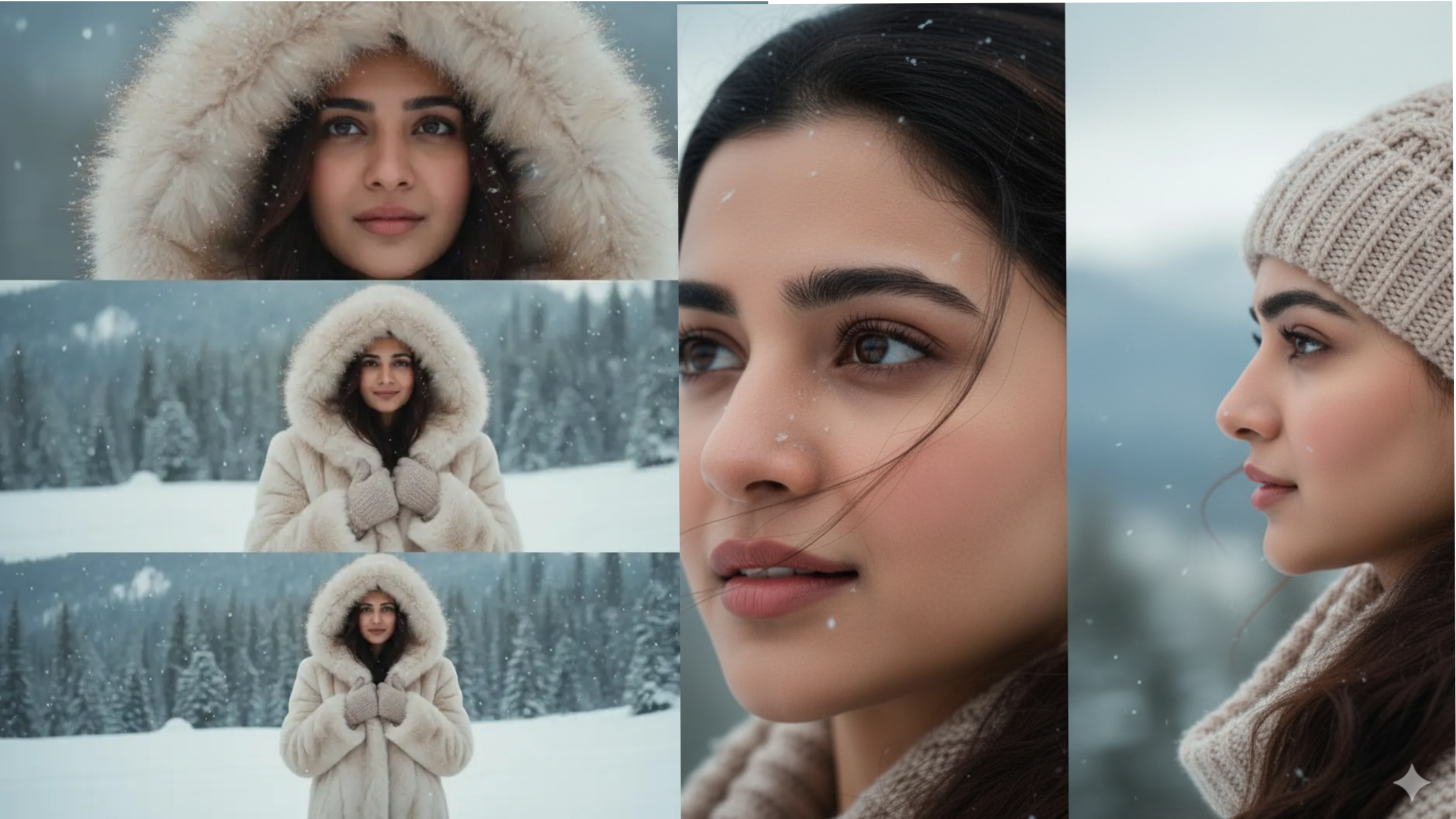
A cinematic winter collage arranged in three vertical panels. All panels feature the same woman in a snowy environment wearing a thick cream-colored faux-fur coat with a large fluffy hood. The top panel shows a close-up of her face framed by the fur hood. Her loose dark hair has small snowflakes on it, and her skin has a soft, natural rosy winter glow.
4. Winter Fashion Full-Body Portrait Prompt
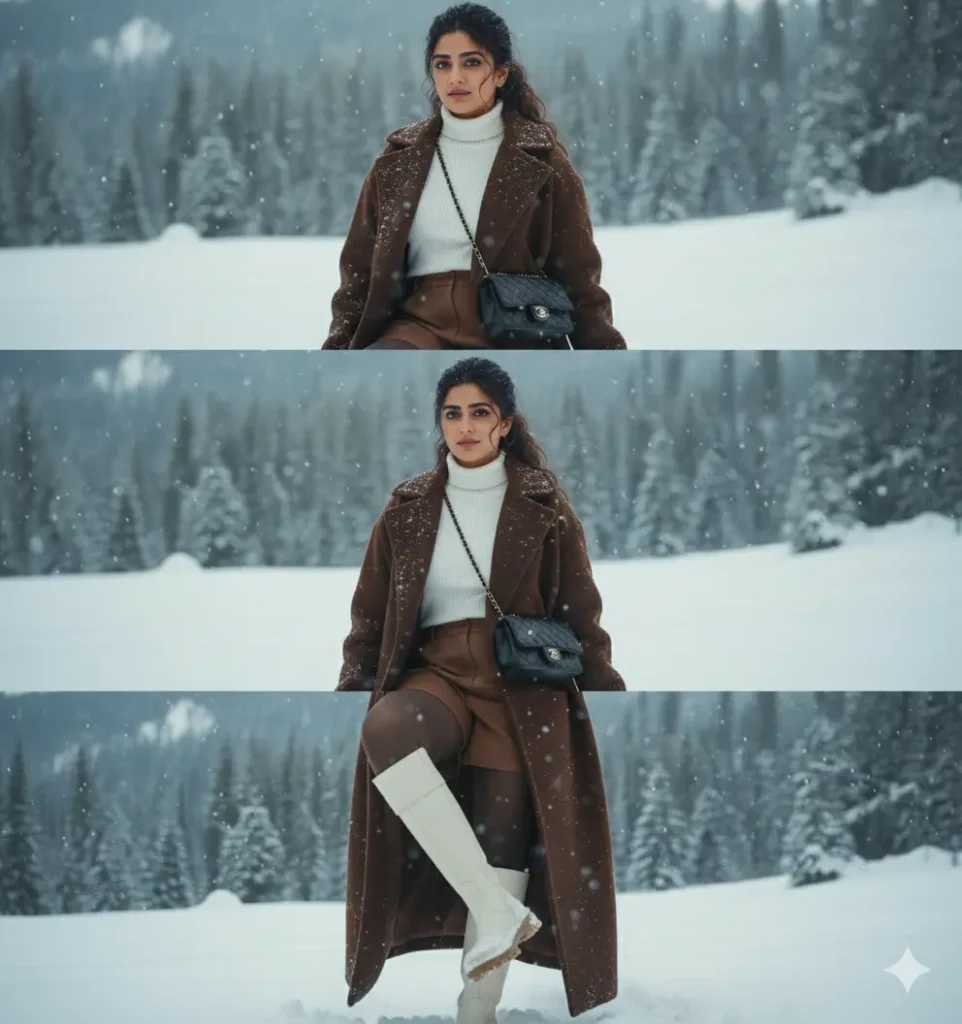
A realistic winter portrait with the face identical to the reference image. The woman has long, lightly curly hair, half tied at the back. She wears a long dark brown coat, a white turtleneck, brown shorts, and white boots. A Chanel bag is worn across her body. She sits in the snow in a beautiful winter landscape, posing naturally and confidently.
5. Cozy White Beanie Winter Portrait Prompt
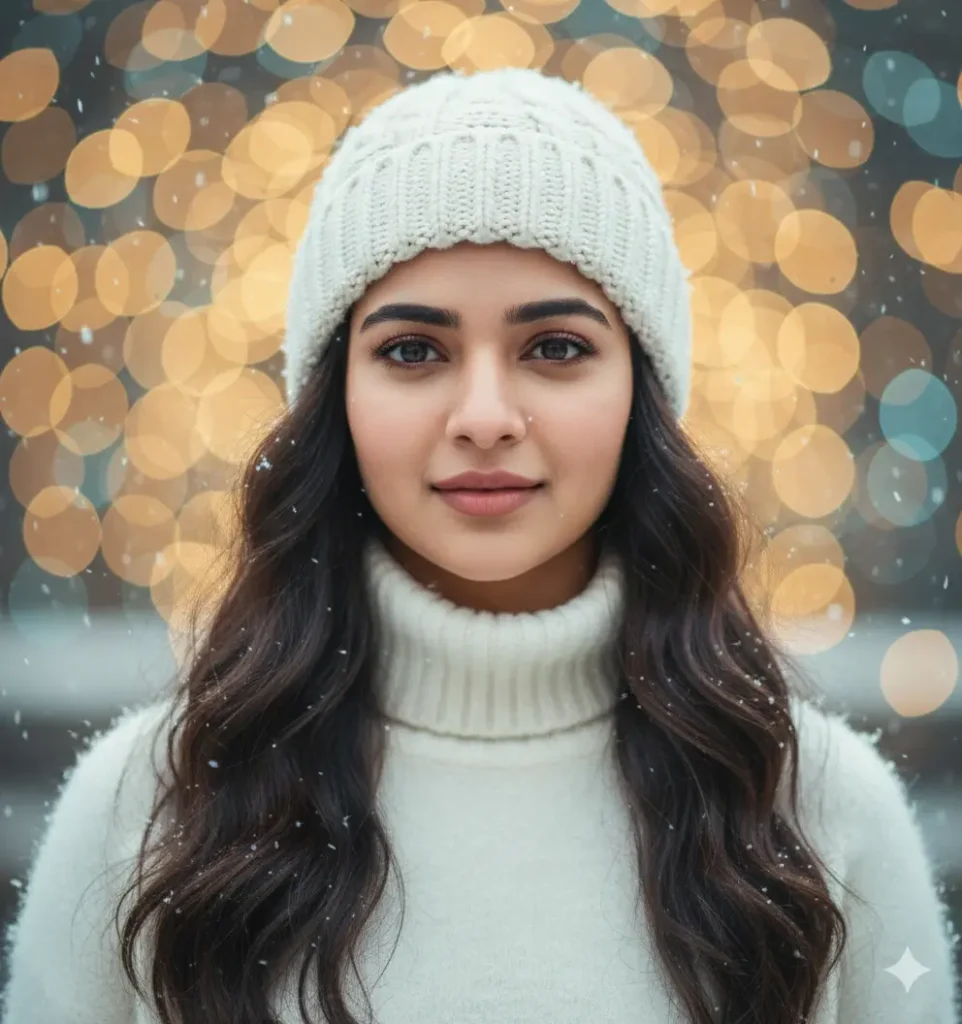
A calm winter portrait of a young woman with long dark wavy hair. She looks directly at the viewer with a gentle expression. She wears a white knit beanie and a matching white turtleneck sweater. Snowflakes settle softly on her hair and clothing. The background includes smooth winter bokeh lights, creating a peaceful and magical atmosphere.
6. Two-Frame Cinematic Winter Portrait Prompt
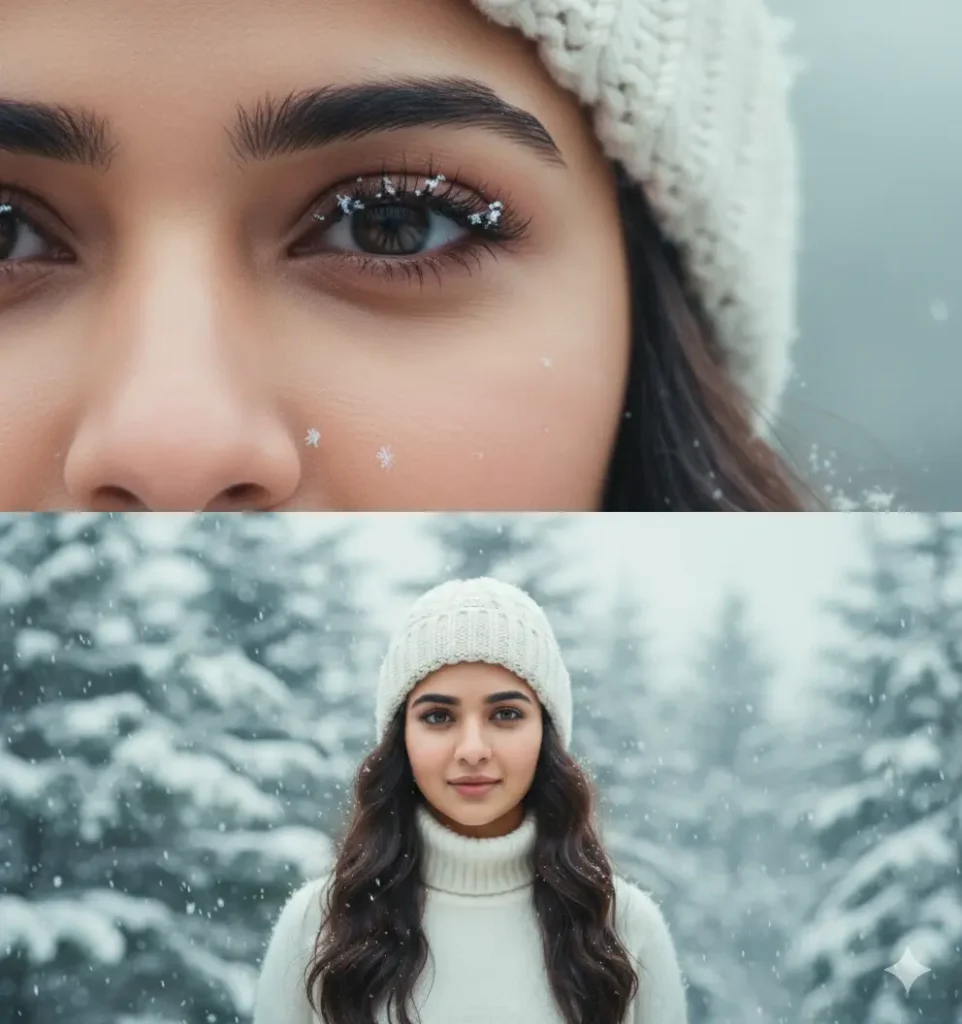
A vertical 9:16 cinematic image divided into two frames. The woman’s face must match the reference photo exactly. The top frame features a macro close-up of her eye and cheek with snowflakes resting on her eyelashes. The bottom frame shows her in a snowy winter environment with a soft, emotional, and calm cinematic feeling, similar to a Korean romance film.
Tips for Creating Better Winter AI Portraits
Using the right prompt is important, but here are a few extra tips to make your AI results even better:
1. Use a high-quality reference photo
The clearer the face, the better the AI will match it.
2. Add details about lighting
Soft natural light, cinematic light, or morning winter light work best.
3. Describe the mood
Words like calm, peaceful, gentle, romantic, or cinematic help shape the atmosphere.
4. Include clothing and hair details
Hoodies, beanies, turtlenecks, and faux-fur coats create strong winter visuals.
5. Add environmental elements
Snowflakes, bokeh lights, and soft blur help make the image look more realistic.
Conclusion
Winter AI portraits offer a beautiful mix of natural charm and cinematic emotion. With the right prompts, you can create photos that look realistic, detailed, and artistic. These eight winter prompts are designed to be simple, powerful, and optimized for modern AI tools. Whether you want close-up beauty shots or full winter fashion portraits, this guide gives you everything you need to generate stunning results.
If you want, I can also create a short version of this article, social media captions, or new prompts in any winter style.
Best 8 Retro Style Prompt for Gemini Girl
7 Best Gemini AI Saree Prompts to Try for Stunning Fashion Looks